Which GTA 6 controls and settings should you learn first?
Change the camera, use your phone and check how saving works on PS5 and Xbox. Jump straight to the guide for the setting or control you need.

How to increase Focus quickly in GTA 6
Find Rodgers Ranch northeast of Port Gellhorn, buy the $5 waiver and replay the beginner Market challenge to make combat slow motion last longer in GTA 6.
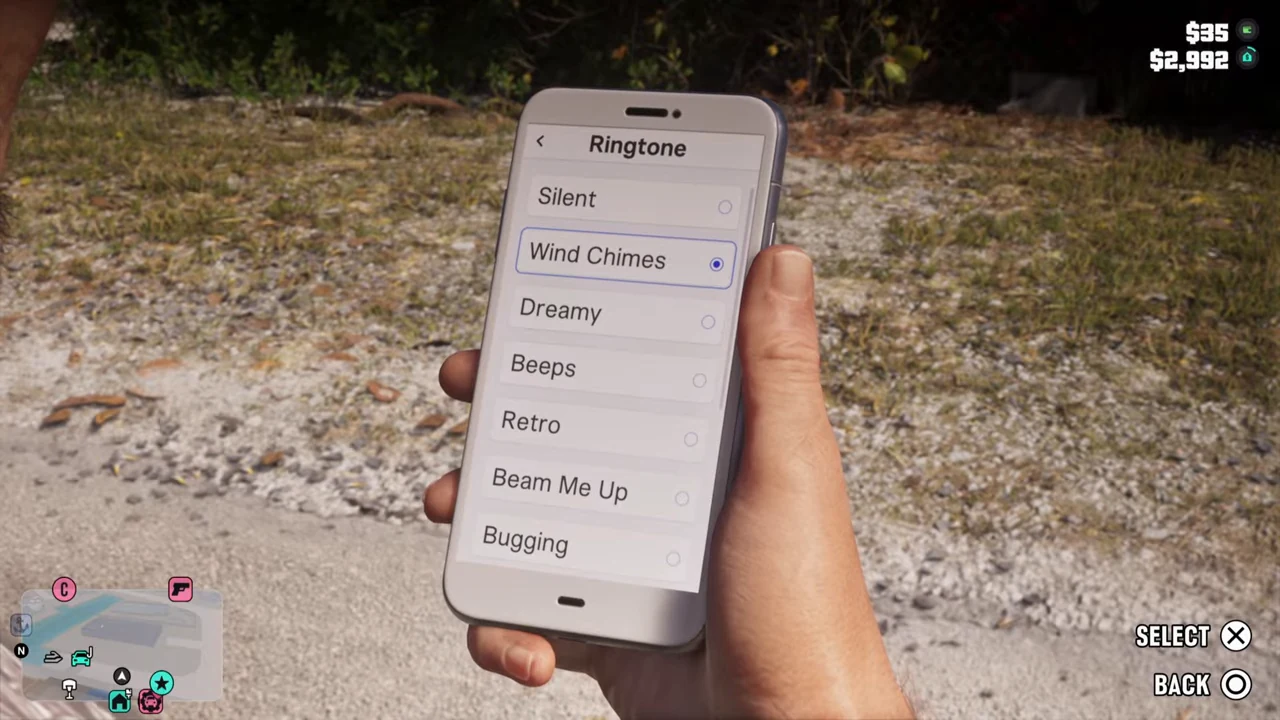
How to set Michael’s GTA 5 ringtone on Jason’s phone in GTA 6
Choose Wind Chimes on Jason’s phone to use Michael De Santa’s GTA 5 ringtone in GTA 6. See the exact setting and how to tell which tone is active.
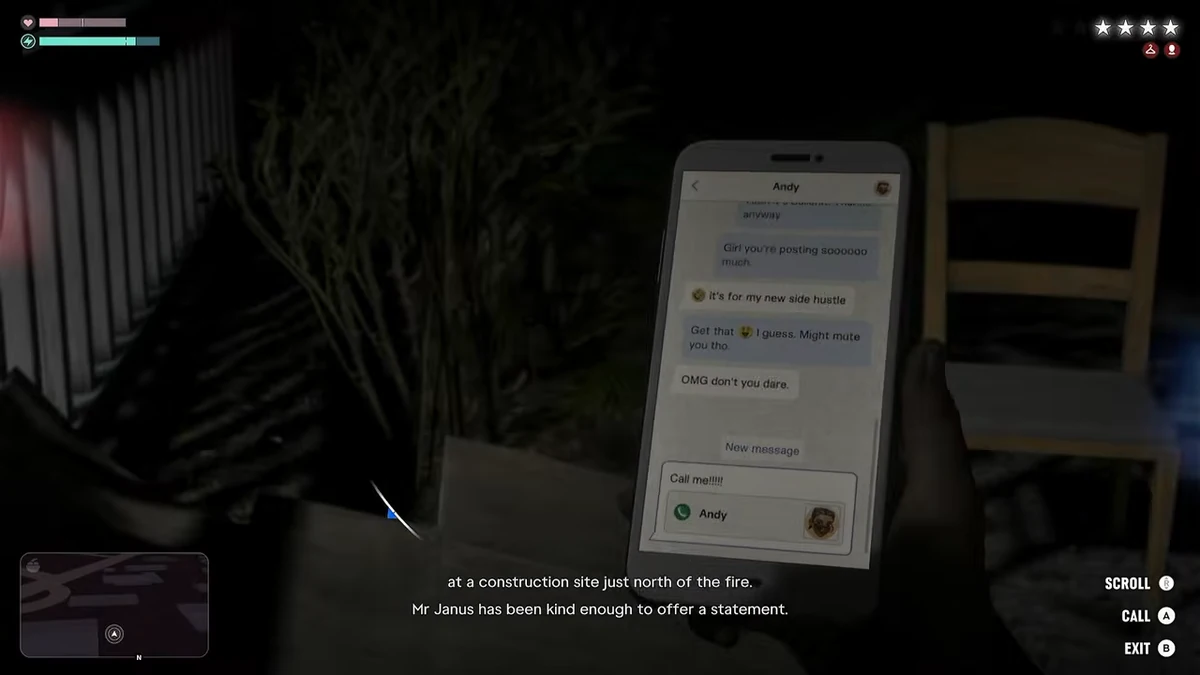
GTA 6 cheat codes
Enter 16 GTA 6 cheats on PS5 or Xbox Series X|S. Find the $250,000 money code, infinite ammo, vehicle spawns and the challenge that unlocks each one.

Flowers or necklace for Lucia in GTA 6: what gift to choose at what price?
The small bouquet costs $5, the large bouquet $10, the roses $25, and the necklace $475. The flowers are delivered to your home. If you also want the necklace, expect to pay $480 to $500 depending on the flowers chosen. Later, the necklace can serve as a warranty for Starlet Motel.

How to change the camera angle in GTA 6 on PS5 and Xbox
On PS5, hold Down on the D-pad and press Square to change the view in GTA 6. LaSalle shows the controls on a boat at 21:40. On Xbox, open the same menu and press the on-screen camera button. To adjust the vehicle follow-camera height, open Settings, then Camera.
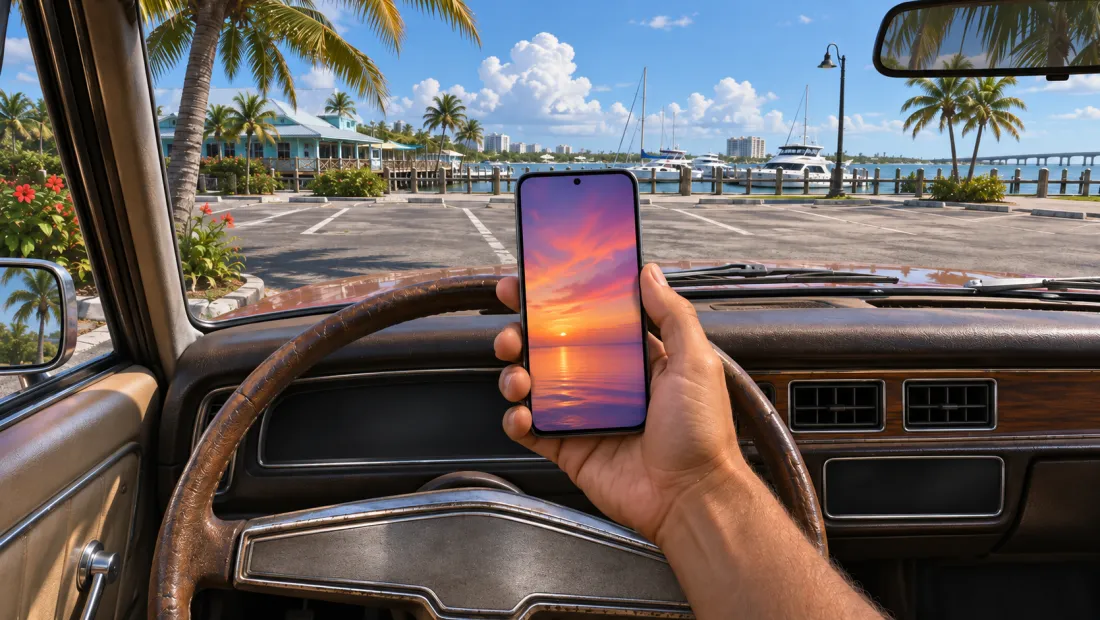
Why GTA 6 switches to first person when you open the phone in a car
In the LaSalle video, the camera gets closer to the phone as it opens it in the car. To return to the driving view, close the phone. If you want to change the behavior, look for the phone display setting, called "Phone Display" in English, in the camera comfort options.

Which phone apps should you use in Chapter 1 of GTA 6?
In chapter 1 of GTA 6, LaSalle opens the phone and already checks its messages. Paradise Taxi contacts him by phone after the first mission, while BuckMe activates later during the same chapter. The menu may display apps whose functions remain unavailable when you open them.

How to change outfits in GTA 6 and find your clothes again?
Change clothes at the wardrobe in your safehouse. Clothes you buy or unlock appear there. From the wardrobe menu, you can also choose outfits to keep in the trunk of your personal car. LaSalle shows the wardrobe at 56:38.

GTA 6 map and GPS: set a destination and find your current objective
In the first part of GTA 6 filmed by LaSalle, the mini-map shows the next turn. The map displayed on the screen allows you to mark a location or set a destination. If you forgot the mission instructions, open Information then Objective. The first sections explain the commands. The mission examples are grouped at the end to let you choose what you discover.

How to keep your GTA 6 save on PS5 and Xbox
On PS5, check the synchronization status of GTA VI with PlayStation Plus, or transfer your data between your two PS5. On Xbox Series, the game's manual confirms cloud saves. To resume on another Xbox, use your game profile and let the synchronization finish.

Getting started in GTA 6 on PS5 and Xbox Series without spoilers
For your first part, make sure that GTA VI has finished installing on the account that owns the game. On PS5, you can prepare the subtitles and adjust the DualSense. To explore without discovering the story in advance, start with a location name and only view its profile.